Choosing a Streaming Device for IPTV: What Actually Matters
A buyer's guide to streaming sticks, Android TV boxes and Smart TVs for IPTV: processor, RAM, codecs, Wi-Fi, storage, remote and app availability.
Quick answer
When choosing a streaming device for IPTV, prioritise hardware decoding of H.265 (and ideally AV1), 5 GHz Wi-Fi or an Ethernet port, at least 2 GB of RAM, 16 GB or more of storage, and availability of your preferred player in the device's app store. Fire TV Sticks are simplest; Android TV boxes offer the widest app choice and wired networking.
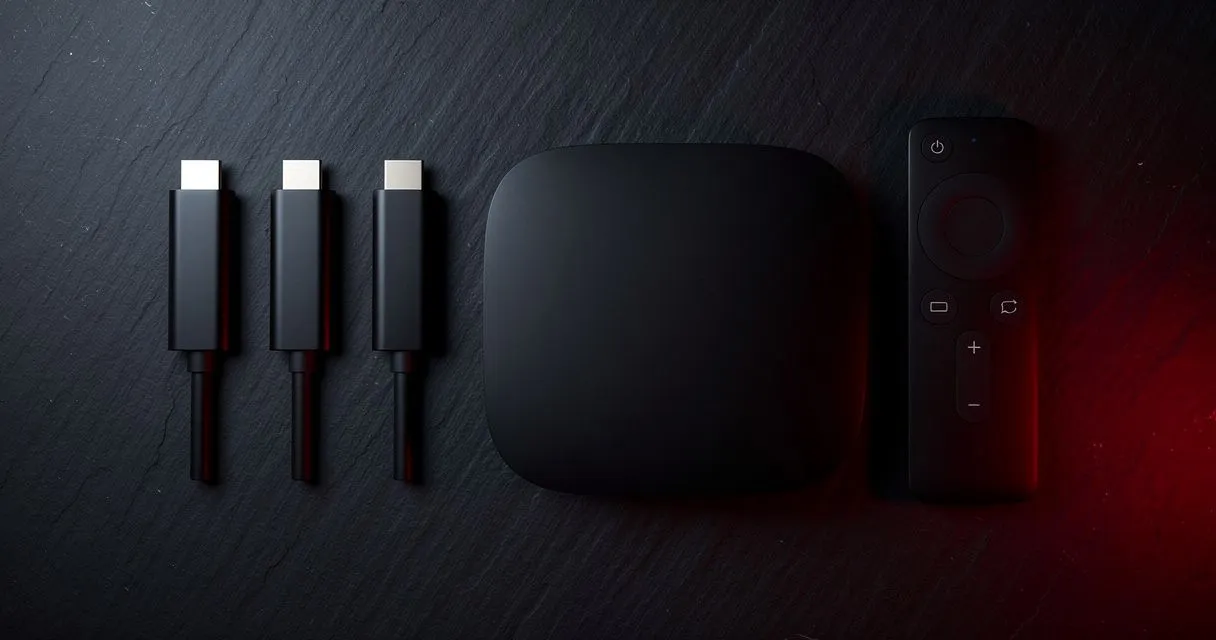
If your TV's built-in apps are slow or your favourite player isn't available, a streaming device is the quickest upgrade. Here's what to look at — and what you can safely ignore.
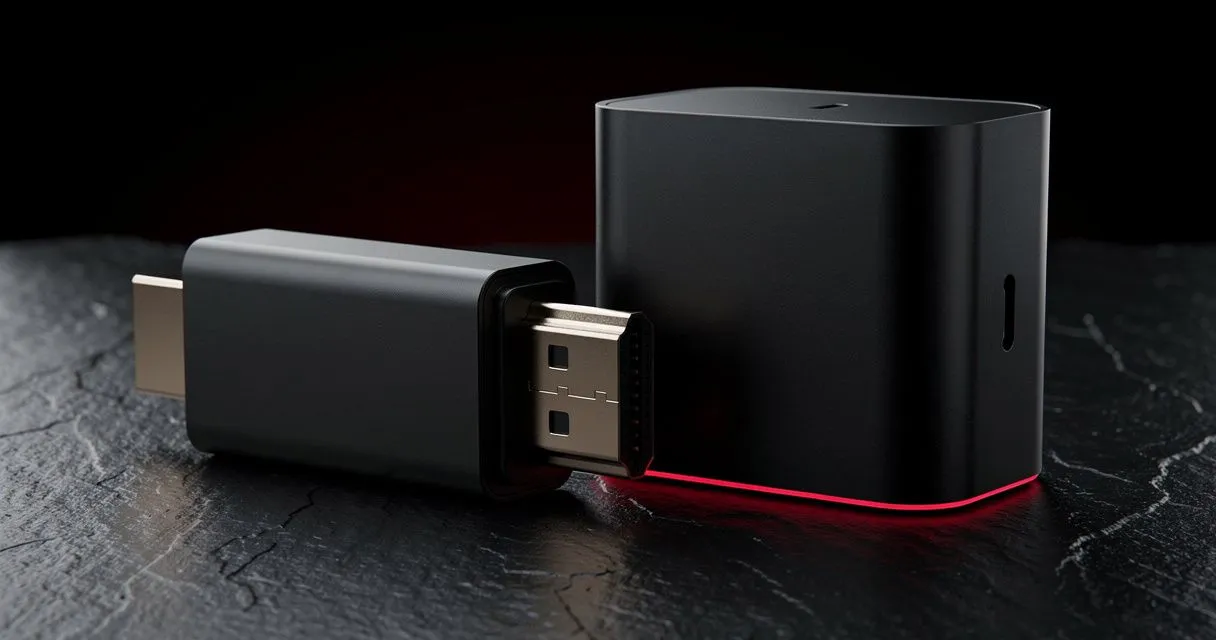
The main options
| Type | Examples | Best for |
|---|---|---|
| Streaming stick | Fire TV Stick range, Chromecast with Google TV | Simple, compact, affordable upgrades |
| Android TV / Google TV box | Nvidia Shield, many third-party boxes | Power users, wired Ethernet, more storage |
| Smart TV apps | Samsung Tizen, LG webOS, Google TV TVs | No extra hardware, one remote |
There's no single "best" — it depends on your TV, your network and how much you want to tinker. We compare the two most popular options in Fire TV Stick vs Android TV box.
What matters most
1. Hardware video decoding
This is the most important spec. Look for hardware decoding of H.265 (HEVC) — essential for smooth 4K — and ideally AV1 for the future. Without it, the device has to decode in software, which causes stutter.
2. Network connection
- Wi-Fi 5 (ac) or Wi-Fi 6 (ax) with 5 GHz support at minimum.
- An Ethernet port (or support for an Ethernet adapter) is a big plus for a TV that never moves.
3. Memory and storage
- 2 GB RAM is a practical minimum; more makes menus and channel switching snappier.
- 8 GB storage fills up fast. Players cache channel lists and artwork — 16 GB or more is more comfortable.
4. App availability
Check that your preferred player is available in the device's app store before buying. Android TV/Google TV has the widest selection; Fire TV is close behind. Our device guides list player options for each platform.
5. Output and HDR
If you have a 4K TV, choose a 4K device and check the formats your TV supports (HDR10, HDR10+, Dolby Vision). Mismatched HDR settings are a common cause of washed-out colours.
6. The remote
You'll use it every day. Dedicated buttons, voice search and the ability to control the TV's volume and power (HDMI-CEC/IR) make a real difference.
What matters less
- Huge "TOPS" or core counts on box spec sheets — real-world decoding support matters more.
- 8K output — very little content uses it.
- Pre-installed apps — you'll install your own player anyway.
Safety tips
- Buy devices from reputable retailers; avoid boxes sold pre-loaded with unknown apps.
- Only install apps from official stores or the developer's official website.
- Keep the device's software updated for security fixes.
Is a Fire TV Stick good enough for IPTV?
Yes — a current-generation Fire TV Stick, particularly a 4K or 4K Max model, handles IPTV well for most people. Its limits are storage (which fills quickly) and Wi-Fi only unless you add Amazon's Ethernet adapter. For a step-by-step setup, see our Fire TV Stick guide.
Do I need a 4K streaming device if my TV is HD?
No. On an HD (1080p) TV, a 4K device won't improve resolution. It can still be worth buying for its faster processor, better Wi-Fi and newer codec support, and it will be ready if you upgrade the TV later — but don't pay extra for 4K alone.
How much RAM and storage do I really need?
Aim for at least 2 GB of RAM and 16 GB of storage. Player apps cache channel lists, logos and guide data, and large playlists use a surprising amount of space. Devices with 8 GB of storage often show "storage full" warnings within months.
Device comparison at a glance
| Feature to check | Why it matters for IPTV | Minimum we recommend |
|---|---|---|
| H.265 hardware decoding | Smooth 4K and efficient HD | Required |
| AV1 hardware decoding | Future-proofing | Nice to have |
| RAM | Menu speed, large playlists | 2 GB |
| Storage | App cache, guide data | 16 GB |
| Wi-Fi | Stable streaming without cables | Wi-Fi 5 (5 GHz) |
| Ethernet | Most stable connection | Port or adapter support |
| App store | Player availability | Google Play or Amazon Appstore |
Should I buy a cheap unbranded Android box?
Be careful. Some unbranded boxes run outdated, uncertified software that never receives security updates, and some arrive pre-loaded with apps of unknown origin. If you choose an Android TV box, prefer a recognised brand with Google TV or Android TV certification and a track record of updates.
What we recommend to customers
Most questions we receive about devices come down to the same advice: if your Smart TV's app store has a suitable player, try that first — it costs nothing. If it doesn't, a current-generation streaming stick on 5 GHz Wi-Fi is the simplest upgrade. If the TV sits next to the router and you want maximum stability, a certified Android TV box with Ethernet is the best long-term choice. Compare the two options in Fire TV Stick vs Android TV box.
How long does a streaming device last?
A good streaming device typically stays useful for several years, as long as it keeps receiving software updates. The usual reasons to replace one are a lack of app or codec support, running out of storage, or slow menus with large playlists. Buying a current-generation model from a brand with a good update record gets the most life out of your money.
Can I use one device for several TVs?
A stick or box only feeds the TV it's plugged into, so each TV you want to use regularly needs its own device — or a Smart TV with a suitable app. You can move a stick between TVs, but for everyday use a device per screen is far more convenient. Remember that some player apps, such as IBO Player, are activated per device.
Setting up your new device
Once you've chosen, the setup is the same everywhere: connect to the best network available, install your player from the official store, add your playlist and adjust a couple of display settings. Our device directory has a step-by-step guide for each platform, and the setup wizard walks you through it interactively.
Does the remote control matter?
More than spec sheets suggest — you'll use it every day. Look for a remote with dedicated Home, Back and Menu buttons, voice search for typing long playlist addresses, and the ability to control your TV's power and volume through HDMI-CEC or infrared. A remote that only controls the stick means juggling two remotes every evening, which quickly becomes the most annoying part of an otherwise good setup. Backlit buttons are a bonus if you often watch in a dark room, and a remote finder feature saves time when it slips between sofa cushions.
Our quick recommendations
- Simplest upgrade for most people: a current-generation 4K streaming stick on 5 GHz Wi-Fi.
- Fixed living-room TV: an Android TV/Google TV box with Ethernet.
- Newer Samsung or LG TV: try the built-in app store first — you may not need anything extra.
Next: follow the setup guide for Fire TV Stick or Android TV.
- #devices
- #buying-guide
- #fire-tv
- #android-tv