Fire TV Stick vs Android TV Box for IPTV
Fire TV Stick or Android TV box for IPTV? Compare app availability, performance, connectivity, storage, ease of use and price to choose the right device.
Quick answer
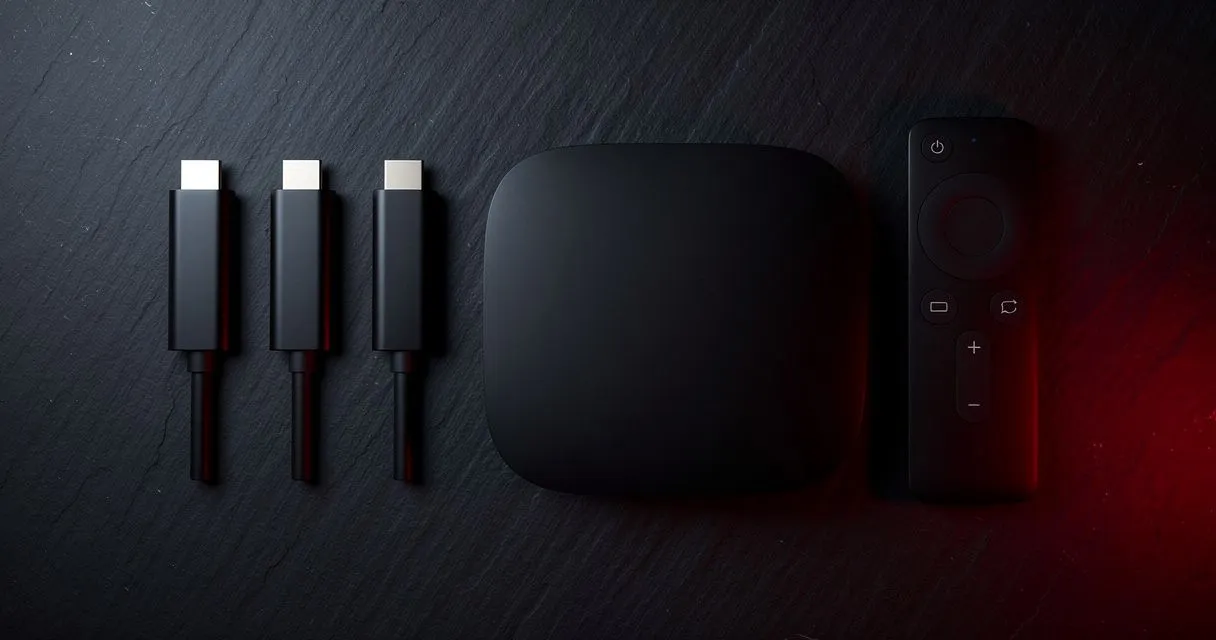
A Fire TV Stick is compact, simple and affordable, with apps from the Amazon Appstore and Ethernet only via an adapter. An Android TV or Google TV box offers the widest app choice through Google Play, often built-in Ethernet and more storage. For IPTV, both work well if they decode H.265 in hardware.
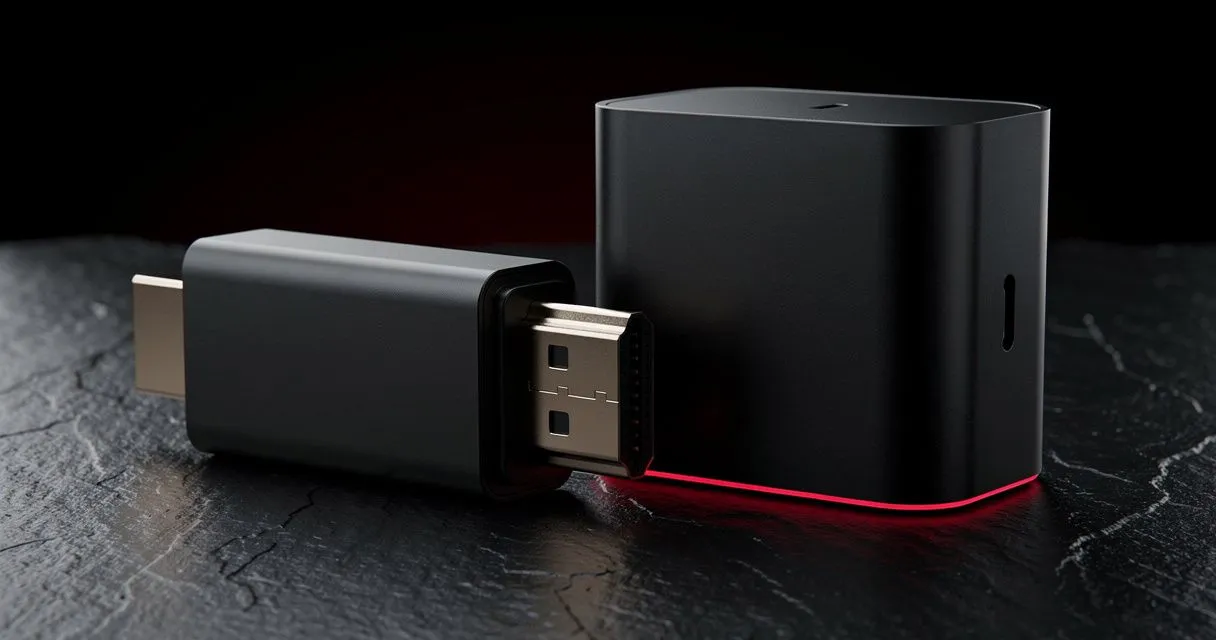
Both are popular ways to add IPTV to any TV. They share a lot (Fire OS is based on Android), but they differ in ways that matter for everyday use.
Quick comparison
| Fire TV Stick | Android TV / Google TV box | |
|---|---|---|
| App store | Amazon Appstore | Google Play Store |
| Player availability | Good; some apps via Downloader | Widest selection |
| Ethernet | Via adapter | Often built in |
| Storage | Typically 8–16 GB | Varies; 16–32 GB+ common |
| Setup | Very simple | Simple to moderate |
| Size | Hides behind the TV | Small box near the TV |
| Price | Low to moderate | Low to high, depending on model |
App availability
Android TV / Google TV uses the Google Play Store, which lists the largest number of IPTV players, including IBO Player on supported devices.
Fire TV uses the Amazon Appstore. Many players are available; others can be installed from the developer's official website using Amazon's Downloader app — see our Fire TV Stick guide.
Performance
Current-generation devices of both types decode H.265 (HEVC) for smooth 4K. Higher-end Android TV boxes may offer more memory and faster processors, which helps with very large channel lists and quick switching. Check for H.265 and AV1 hardware decoding whichever you choose.
Connectivity
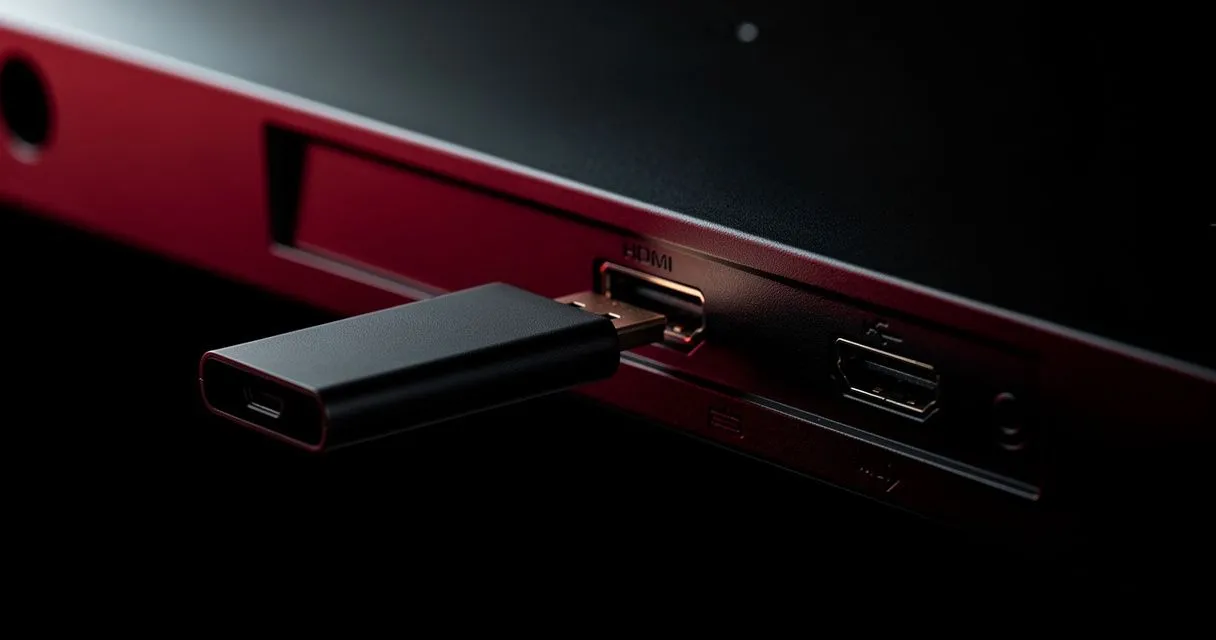
Wired Ethernet makes live streaming more reliable. Many Android TV boxes have an Ethernet port; Fire TV Sticks need Amazon's adapter (Fire TV Cube has a port built in). Wi-Fi 6 is available on newer models of both.
Storage
Fire TV Sticks have limited storage, and "storage full" warnings are a common cause of crashes. Android TV boxes often have more — or support USB storage.
Ease of use
Fire TV Sticks are famously simple: plug in, sign in, done. Google TV devices are similarly polished. Generic Android boxes vary widely — buy from reputable brands with regular updates.
Our verdict
- Choose a Fire TV Stick for a simple, compact, budget-friendly setup — especially the 4K Max with Wi-Fi 6.
- Choose an Android TV / Google TV box for the widest app choice, built-in Ethernet and more storage.
Either way, avoid boxes sold pre-loaded with unknown apps. Next steps: Fire TV Stick setup · Android TV setup · choosing a streaming device
- #comparison
- #fire-tv
- #android-tv
- #devices