IPTV on Fire TV Stick: Install a Player Safely (2026 Guide)
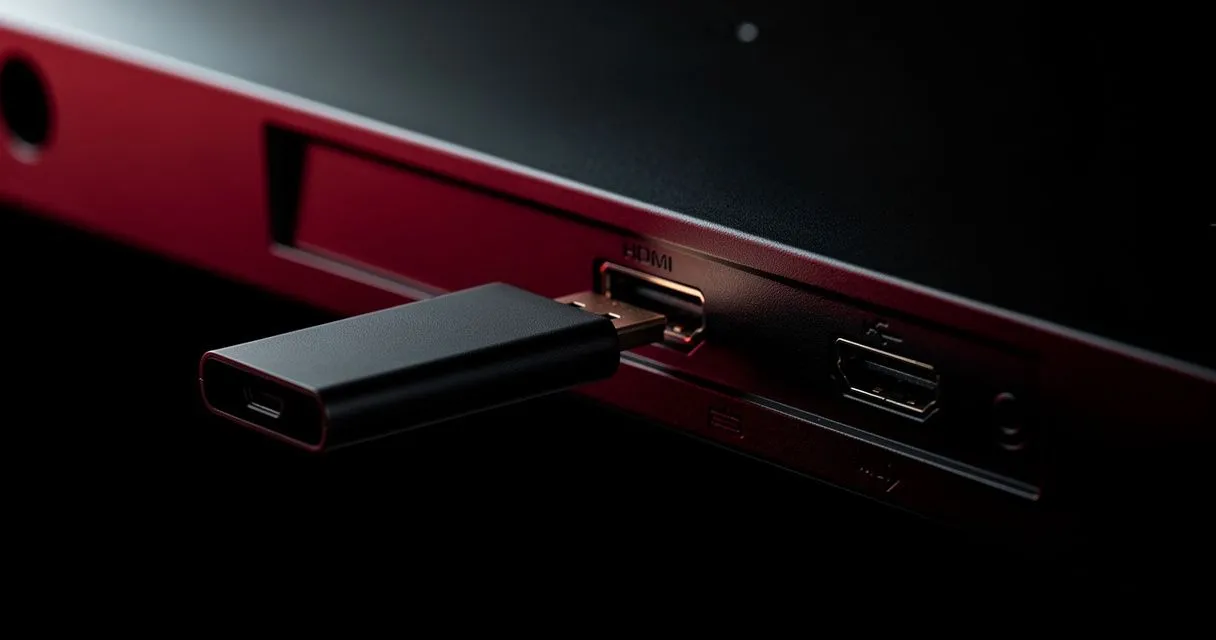
Set up IPTV on an Amazon Fire TV Stick or Cube: install a player from the Appstore or with Downloader from an official source, add your playlist and fix common issues.
Plans from
€4.58/mo
Category
Step-by-step setup for Smart TVs, streaming sticks, phones and computers.
Set up IPTV on an Amazon Fire TV Stick or Cube: install a player from the Appstore or with Downloader from an official source, add your playlist and fix common issues.
Set up IPTV on Android TV or Google TV (Sony, TCL, Philips, Nvidia Shield, Chromecast): install a player from Google Play, add your playlist and optimise playback.
A universal guide to setting up IPTV on a Smart TV: identify your TV's platform, find a compatible player, connect reliably and optimise picture settings.
Watch IPTV on a Windows PC or laptop: choose a player from the Microsoft Store or use VLC, add your M3U or Xtream Codes login, and fix choppy playback.
Watch IPTV on iPhone and iPad: choose a compatible player from the App Store, add your playlist, use AirPlay and Picture in Picture, and save mobile data.
Watch IPTV on a MacBook, iMac or Mac mini: open M3U playlists with VLC, choose a macOS IPTV app, use AirPlay to your TV and fix playback issues.