EPG Not Working? How to Fix an Empty or Wrong TV Guide
Fix an IPTV programme guide (EPG) that's empty, shows 'No information' or has the wrong times: refresh guide data, set the time zone, adjust offsets and check channel mapping.
Quick answer
An empty or wrong IPTV programme guide (EPG) is usually fixed by restarting the player to refresh guide data, setting the device's date, time and time zone to automatic, setting the player's EPG time offset to zero, and clearing the app cache. M3U playlists may need a separate XMLTV EPG link. Not every channel has guide data.
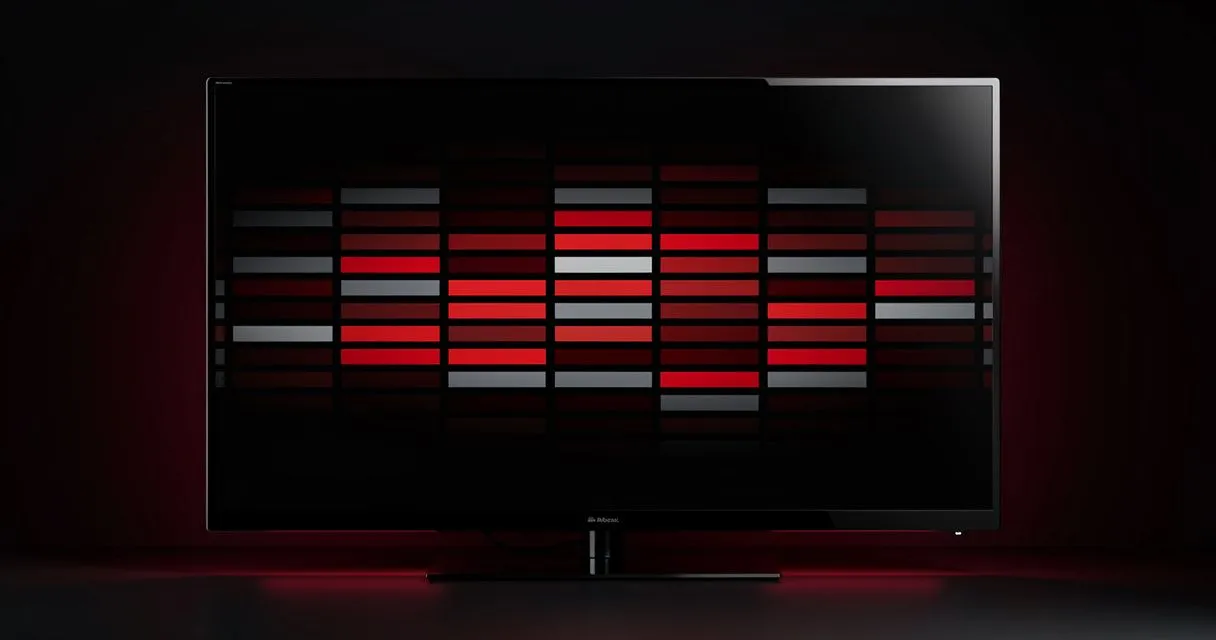
The EPG (electronic programme guide) shows what's on now and next. It's built from guide data your provider supplies and matched to each channel by your player. When something in that chain breaks, the guide goes blank or shows the wrong times.
First: is guide data available for this channel?
Not every channel has guide data. If most channels show a guide and a few don't, that's usually normal. Ask support if a popular channel is missing information.
Fix 1: Refresh the guide
- Restart the player app — most players download fresh guide data on start.
- Look for Refresh EPG, Update guide or Reload playlist in the player's settings.
- Large guides can take a few minutes to load the first time. Leave the app open on the guide screen.
Fix 2: Check date, time and time zone
If programmes appear but at the wrong times:
- Set the device's date and time to automatic.
- Check the time zone is correct for your location.
- In the player's settings, look for EPG time shift / time offset and set it to 0, then adjust in one-hour steps if needed.
Fix 3: Clear the cache
Stored guide data can become corrupted.
- Android TV / Fire TV: Settings → Apps → your player → Clear cache (not Clear data, which removes your playlists).
- Smart TVs: restart the TV; reinstall the app if needed.
Fix 4: Check the EPG source (advanced)
With an M3U playlist, some players need a separate EPG URL (an XMLTV link). If your provider supplied one, make sure it's entered in the player's playlist settings. With Xtream Codes logins, the player usually fetches guide data automatically.
Fix 5: Channel mapping
Players match guide data to channels using an ID. If a channel was renamed or duplicated, its guide may be missing or show another channel's programmes. Some players let you manually assign guide data to a channel — look for EPG mapping or Assign EPG.
Catch-up depends on the guide too
On channels with catch-up, past programmes are selected from the guide. If the guide is empty, catch-up may not appear. Fixing the EPG often restores catch-up.
Still not working?
Tell us your player app, device and a few channel names with missing or wrong guide data. Contact support.
Related: IBO Player troubleshooting · connection troubleshooting
- #epg
- #troubleshooting
- #tv-guide