IBO Player Troubleshooting & Common Errors (Fixed)
Fix common IBO Player problems: playlist not loading, activation and trial messages, empty guide, freezing, no sound, app crashes and a changed MAC address.
Quick answer
Most IBO Player problems are fixed by a 60-second power cycle. 'Playlist not loaded' usually means a typo in the URL, username or password. Activation messages mean the MAC address needs activating or differs from the one you sent. For buffering, use Ethernet; for an empty guide, refresh EPG and check the time zone. Reinstalling keeps the same MAC address.
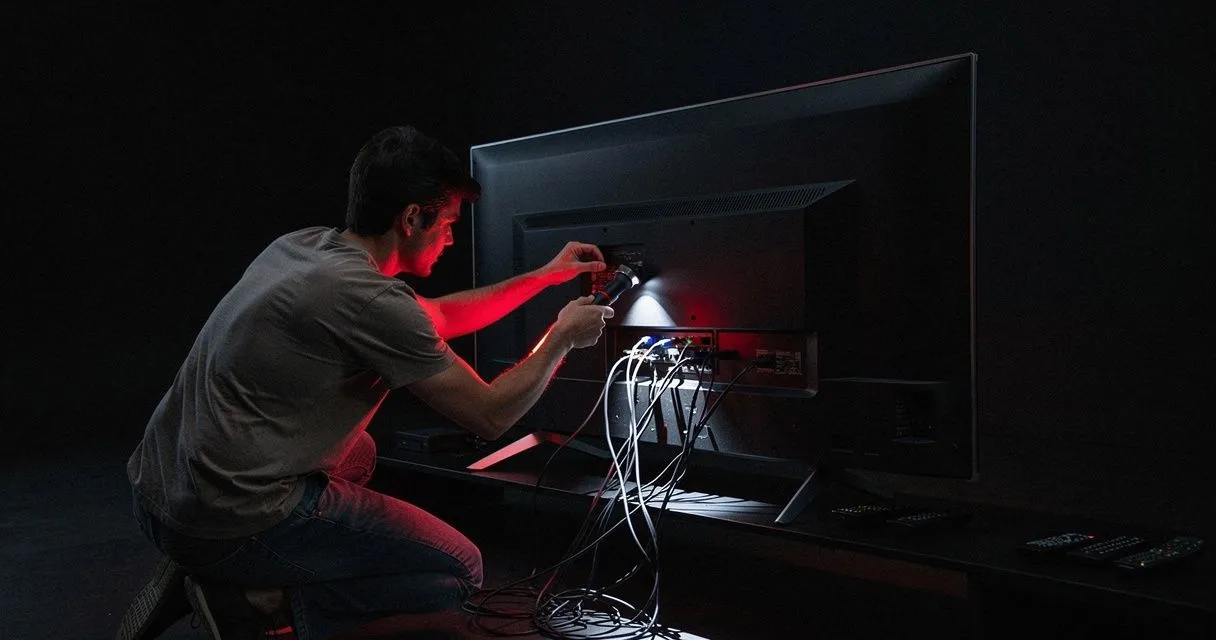
Most IBO Player problems fall into a few categories. Find your symptom below and work through the fixes in order.
Before anything else: the 60-second reset
- Close IBO Player completely.
- Unplug the TV or device from power for 60 seconds.
- Restart your router if other devices are also slow.
- Open IBO Player again.
This alone fixes a surprising number of issues.
"Playlist not loaded" / "Unable to load playlist"
Causes: a typo in the login details, an expired subscription, or a temporary connection issue.
- Check the playlist details character by character. URL, username and password are case-sensitive; Xtream URLs usually include a port (e.g.
:8080). - Make sure your IPTV subscription is active (ask support on WhatsApp or Telegram if you're unsure of your expiry date).
- Delete the playlist and add it again.
- Test the same details in another player or device to see whether the problem follows the account or the device.
Trial expired / activation message
Cause: the player needs activation for this device's MAC address.
- If you haven't purchased activation, see IBO Player activation.
- If you have, compare the MAC address on screen with the one you sent us. A single wrong character means a different device. Contact us with a photo of the screen.
The MAC address changed
Some devices report a different MAC on Wi-Fi vs Ethernet, or after a factory reset. Use the connection type you used during activation, or send us the new MAC with your order details.
Channels load but won't play
- Try several channels — if only one fails, that channel may be temporarily unavailable.
- In IBO Player Settings, switch the video player engine and test again.
- Check your speed: see internet speed requirements.
- Disable VPNs or DNS ad-blockers temporarily.
Freezing and buffering
See the full guide: how to fix streaming buffering. Quick wins: use Ethernet, restart the router, and close other heavy downloads.
Programme guide (EPG) is empty or wrong
- Restart the app so it refreshes guide data.
- Check the device's time zone and the player's time offset setting.
- Not every channel has guide data.
Full guide: EPG not working.
No sound, or sound out of sync
- Set the TV/device audio output to PCM / Stereo.
- Switch the player engine.
- If you use a soundbar, adjust its lip-sync/audio delay setting.
App crashes or closes on start
- Update the app and the TV firmware.
- Clear the app cache (Android TV / Fire TV: Settings → Apps → IBO Player → Clear cache).
- Uninstall and reinstall the app. Your MAC address doesn't change, so activation remains valid.
- On Fire TV Sticks, free up storage — low storage causes crashes.
Parental PIN forgotten
The PIN is managed in the player's settings. If you're locked out, contact the IBO Player developer through their official support channel, or contact us and we'll point you in the right direction.
Still stuck?
Send us:
- Your device model and the IBO Player version (in Settings → About).
- A photo of the error message and your MAC address screen.
- What you've already tried.
We'll help via WhatsApp, Telegram or e-mail.
- #ibo-player
- #troubleshooting
- #errors