Streaming IPTV on iPhone & iPad: Setup Guide
Watch IPTV on iPhone and iPad: choose a compatible player from the App Store, add your playlist, use AirPlay and Picture in Picture, and save mobile data.
Quick answer
On iPhone and iPad, install a well-reviewed App Store player that supports M3U or Xtream Codes, enter your playlist details and allow local-network access so AirPlay works. Use Picture in Picture to keep watching while using other apps. HD streaming can use around 3 GB per hour on mobile data, so prefer Wi-Fi.
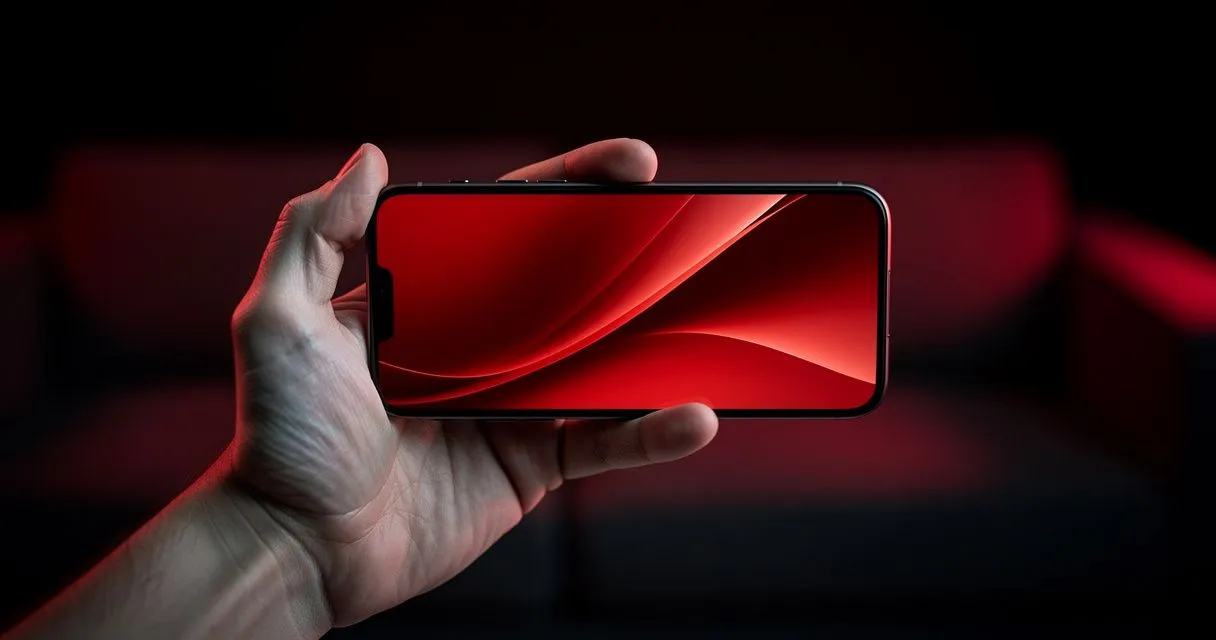
iPhones and iPads make excellent personal screens for IPTV, and AirPlay lets you send the picture to a bigger one.
Step 1: Choose a player
Open the App Store and search for IBO Player or "IPTV player". App availability differs between countries, so you may see different options. Before installing, check that the app:
- Supports M3U playlists and/or Xtream Codes logins.
- Has recent updates and genuine, detailed reviews.
- Lists iPad support if you'll use an iPad.
Tap Get to install.
Step 2: Add your playlist
- Open the player and choose Add playlist, Add user or Login.
- Enter your M3U link — or the Xtream Codes server URL, username and password.
- Wait for channels and categories to load.
- If asked, allow Local Network access (needed for AirPlay to work).
Tip: copy your details from your e-mail or message and paste them to avoid typos.
Watch on your TV with AirPlay
- Connect your iPhone and an AirPlay-compatible TV or Apple TV to the same Wi-Fi.
- Start a channel and tap the AirPlay icon in the player, or use Screen Mirroring from Control Center.
Some players don't support AirPlay for every stream; screen mirroring works as a fallback.
Picture in Picture
If your player supports it, swipe up to go Home while a channel is playing and the video continues in a small window — handy for following a match while you chat.
Save mobile data
Streaming HD can use 3 GB or more per hour. Prefer Wi-Fi, and if your player offers a quality setting, choose a lower one on mobile data.
Troubleshooting
| Problem | Fix |
|---|---|
| Stream stops when the screen locks | Enable background playback / PiP in the player's settings |
| AirPlay option missing | Allow Local Network access: Settings → Privacy & Security → Local Network |
| Playlist won't load | Re-check details; switch between Wi-Fi and mobile data to test |
See also: iPhone device page · iPad device page · connection troubleshooting
- #iphone
- #ipad
- #ios