IPTV on Android TV & Google TV: Setup Guide
Set up IPTV on Android TV or Google TV (Sony, TCL, Philips, Nvidia Shield, Chromecast): install a player from Google Play, add your playlist and optimise playback.
Quick answer
On Android TV or Google TV, install IBO Player or another M3U/Xtream Codes player from the Google Play Store, add your playlist, then optimise playback: enable 'match content frame rate', use the hardware decoder, clear the app cache if menus slow down, and prefer Ethernet or 5 GHz Wi-Fi. Android TV 9 or newer with 2 GB of RAM is recommended.
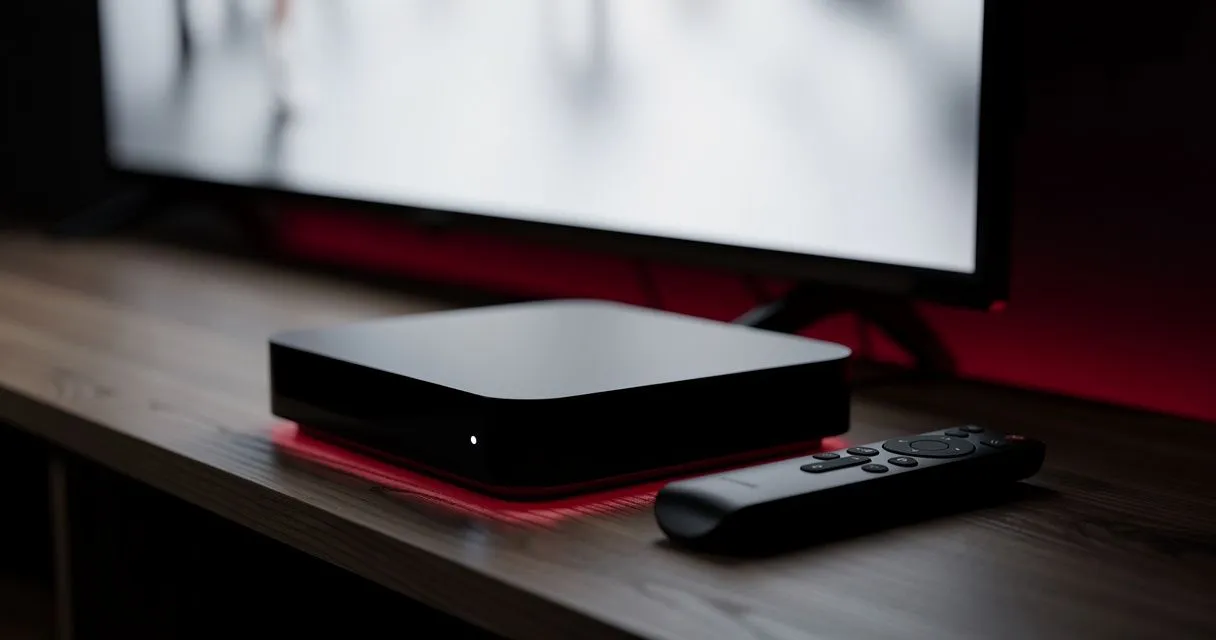
Android TV and Google TV power TVs from Sony, TCL, Philips, Hisense and others, plus devices such as Nvidia Shield and Chromecast with Google TV. They offer the widest choice of IPTV players through the Google Play Store.
What you need
- Android TV 9 or newer (or Google TV).
- A Google account signed in on the device.
- Your M3U link or Xtream Codes login.
Step 1: Install a player
- Open the Google Play Store (on Google TV: Search → type the app name, or Apps tab).
- Search for IBO Player — or another player that supports M3U / Xtream Codes.
- Select Install, then Open.
Step 2: Add your playlist
- IBO Player: note the MAC address and Device Key, arrange activation, then add your playlist as described in how to set up IBO Player.
- Other players: choose Add playlist or Login with Xtream Codes, enter your details and save.
Step 3: Optimise for smooth playback
Match frame rate
Settings → Display & Sound → Advanced display settings → Match content frame rate → Seamless only or Always. Sport broadcast at 50 fps then looks smooth on your TV.
Use hardware decoding
In your player's settings, choose a hardware decoder (often labelled HW or MediaCodec). Switch to software decoding only if a particular channel won't play.
Free up memory
- Uninstall apps you don't use.
- Settings → Apps → select the player → Clear cache if menus become slow.
Network
Use Ethernet where available. On Wi-Fi, connect to the 5 GHz network and keep the router within a room or two of the TV.
Troubleshooting
| Symptom | Try this |
|---|---|
| 4K channels stutter | Check the device supports H.265 hardware decoding; switch player engine |
| App missing from Play Store | Device may not be certified — try another player or update the system |
| Audio but no picture | Switch decoder (hardware ↔ software) |
| Guide times wrong | Settings → System → Date & time → automatic, correct time zone |
More: buffering fixes · EPG not working · Android TV device page
- #android-tv
- #google-tv
- #setup